
Bull Put Spread Calculator – Excel Template
Bull Put Spread Calculator – Excel Template
Interactive Excel Financial Model
Download, customize, and integrate into your own analysis
What's Included
- Interactive financial model with live Excel formulas
- All formulas visible and fully editable
- Professional formatting with color-coded inputs & outputs
- Formula reference sheet with variable definitions
- Step-by-step instructions sheet
- Compatible with Microsoft Excel 2016 and later
Download Template
Price range: $0.00 through $20.00
Model bull put spread positions in Excel. Calculate net credit, max profit/loss, breakeven, and risk/reward ratio for credit put spreads. Free download.
Online Calculator vs Excel Template
| Feature | Online | Excel |
|---|---|---|
| Instant use — no download | ✓ | — |
| Works offline | — | ✓ |
| Customize formulas & layout | — | ✓ |
| Save & share with colleagues | — | ✓ |
| Integrate into your own models | — | ✓ |
| Print-ready formatting | — | ✓ |
Ryan O'Connell Finance
Options Mastery Course
Master options trading strategies from beginner to advanced.
- Complete options fundamentals
- Greeks & pricing models
- Real-world trading strategies
About This Template
The Bull Put Spread Calculator Excel Template provides a ready-to-use financial model for analyzing credit put spread strategies. Whether you're an options trader structuring bullish positions, a portfolio manager collecting premium income, or a finance student learning spread mechanics, this spreadsheet delivers professional-grade calculations with full formula transparency.
What You Can Calculate
This template computes 7 key outputs:
- Net Credit per Share — Premium received minus premium paid (cash you pocket upfront)
- Total Net Credit — Total cash received when opening the position
- Max Profit — Maximum gain equals total net credit (when stock >= K2 at expiration)
- Max Loss — Maximum loss capped by spread width minus net credit
- Breakeven Price — Stock price where P/L equals zero at expiration
- Spread Width — Distance between the two strike prices
- Risk/Reward Ratio — Max loss divided by max profit (lower is better)
Required Inputs
To use this calculator, you'll need:
- Short Put Strike (K2) — Higher strike where you sell a put to collect premium
- Long Put Strike (K1) — Lower strike where you buy a put for downside protection
- Short Put Premium — Premium received per share for the short put (credit)
- Long Put Premium — Premium paid per share for the long put (debit)
- Number of Contracts — Each contract represents 100 shares per leg
Methodology
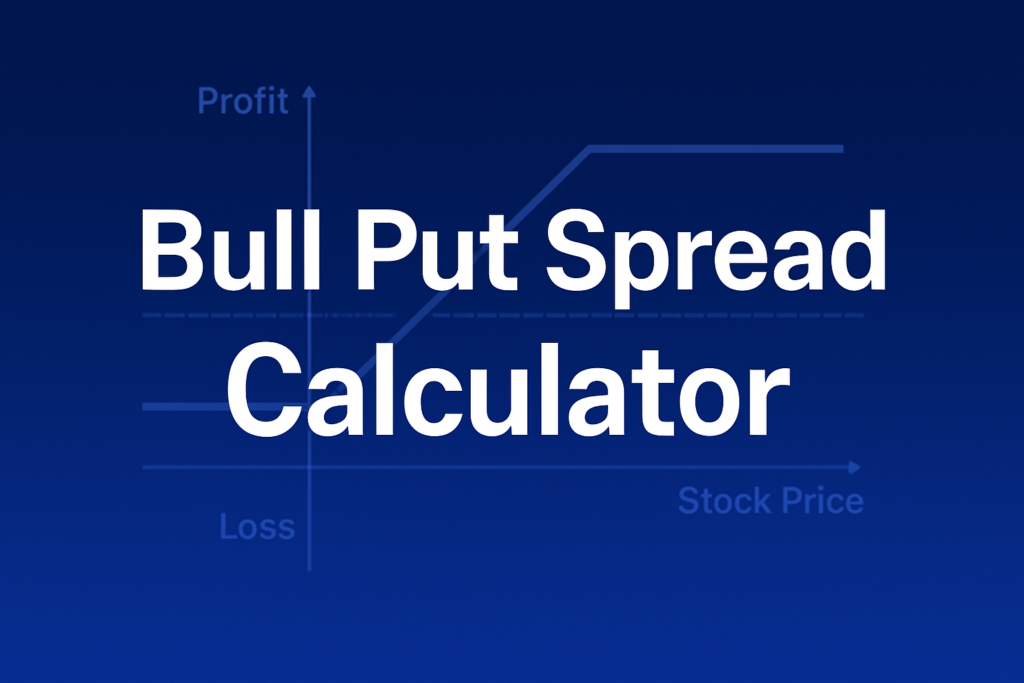
A bull put spread (credit put spread) involves selling a put at a higher strike (K2) and buying a put at a lower strike (K1). You receive a net credit upfront. Max profit equals the total net credit when stock closes at or above K2. Max loss equals (K2 - K1 - Net Credit) x 100 x Contracts when stock falls to or below K1. Breakeven = K2 - Net Credit per share.
Assumptions
- Each option contract represents 100 shares
- Premiums are per-share values (not per-contract)
- Max profit occurs when stock >= K2 at expiration
- Max loss occurs when stock <= K1 at expiration
- Commissions and fees not included
- For educational purposes only — not financial advice
Frequently Asked Questions
A fully interactive financial model with live Excel formulas, an Instructions sheet with usage guide, and a Formula Reference sheet with variable definitions and model assumptions. All formulas are visible and editable.
Microsoft Excel 2016 or later. The template uses standard Excel formulas only — no macros, VBA, or add-ins required.
Yes. All cells are fully editable. You can modify any formula, add your own calculations, change formatting, or integrate the model into your existing spreadsheets.
The online calculator runs in your browser for quick calculations. This Excel template gives you a portable, offline financial model you can customize, save, share with colleagues, and integrate into your own analysis.
This template is provided for educational and personal use. You may use it in your own professional analysis and presentations. Redistribution or resale of the template itself is not permitted.
You can re-download the latest version from your account or by requesting a new download link. Free downloads are limited to 5 per email address per month.


