
CPPI Calculator Excel Template
CPPI Calculator Excel Template
Interactive Excel Financial Model
Download, customize, and integrate into your own analysis
What's Included
- Interactive financial model with live Excel formulas
- All formulas visible and fully editable
- Professional formatting with color-coded inputs & outputs
- Formula reference sheet with variable definitions
- Step-by-step instructions sheet
- Compatible with Microsoft Excel 2016 and later
Download Template
Price range: $0.00 through $20.00
Compare Buy-and-Hold, Constant-Mix, and CPPI strategies side-by-side. Model 4-period scenarios with live Excel formulas.
Online Calculator vs Excel Template
| Feature | Online | Excel |
|---|---|---|
| Instant use — no download | ✓ | — |
| Works offline | — | ✓ |
| Customize formulas & layout | — | ✓ |
| Save & share with colleagues | — | ✓ |
| Integrate into your own models | — | ✓ |
| Print-ready formatting | — | ✓ |
Wharton Online
Applied Value Investing Certificate
Learn fundamental analysis and equity valuation from Wharton Online.
- Wharton Online curriculum
- DCF & comparable analysis
- Equity research methodology
Use the discount code shown above for up to $500 off
 via
via

About This Template
Compare three dynamic rebalancing strategies side-by-side with this CPPI Calculator Excel template. Whether you're preparing for the CFA or FRM exam or analyzing real portfolio scenarios, this spreadsheet lets you model Buy-and-Hold, Constant-Mix, and CPPI (Constant Proportion Portfolio Insurance) strategies under identical market conditions.
What You Can Calculate
This template computes terminal portfolio values, final stock weights, and period-by-period breakdowns for all three strategies simultaneously:
- Buy-and-Hold — Initial allocation drifts freely with market returns
- Constant-Mix — Rebalances to target weight each period
- CPPI — Dynamic cushion-based allocation with floor protection
See which strategy performs best under your specific return sequence and understand why different market patterns favor different approaches.
Required Inputs
Enter your portfolio parameters and return assumptions:
- Initial portfolio value and target stock allocation
- CPPI floor value (minimum acceptable portfolio) and multiplier
- Annual risk-free rate for the bills portion
- Per-period stock returns for 4 periods
Methodology
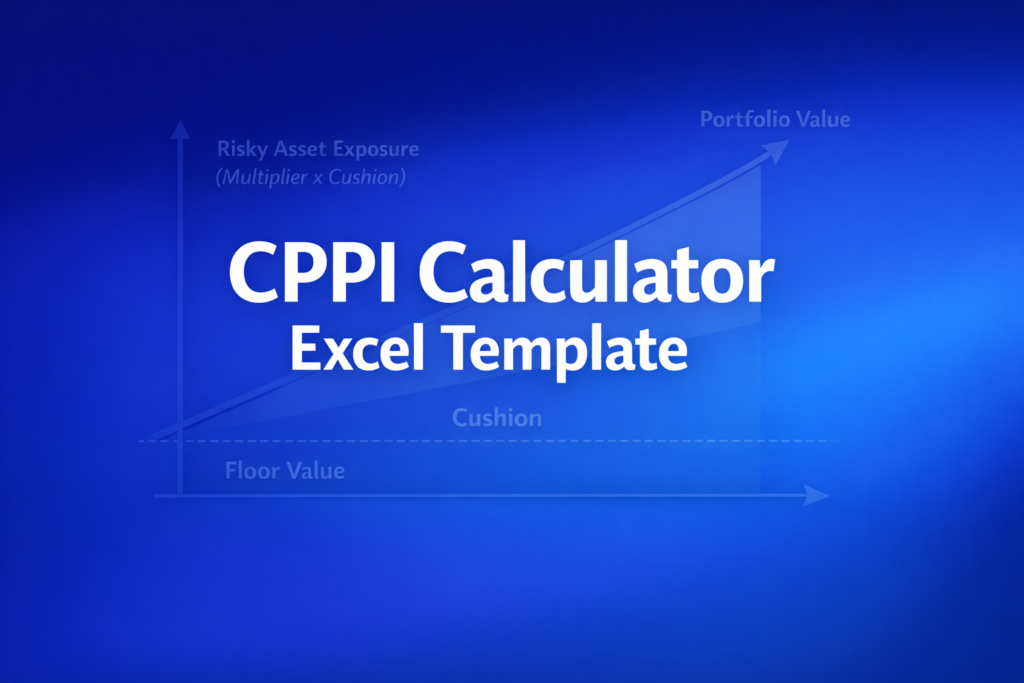
The template implements the Perold-Sharpe framework for dynamic rebalancing strategies. CPPI allocates to stocks using: Stocks = min(m x Cushion, Portfolio) where Cushion = max(Portfolio - Floor, 0). Constant-Mix rebalances to the target weight at the start of each period. Buy-and-Hold applies returns to the drifted allocation without rebalancing.
Assumptions & Limitations
- Models exactly 4 periods (manual entry only)
- No transaction costs, taxes, or leverage
- Bills earn risk-free rate divided by 4
- Stock allocation capped at 100% of portfolio
Frequently Asked Questions
The 4-period model covers the most common CFA/FRM exam scenarios and provides clear side-by-side strategy comparison without overwhelming complexity. For longer simulations or random return generation, use the free online calculator at ryanoconnellfinance.com/calculators/cppi-calculator/.
Yes. Enter your historical or projected period returns in the light blue cells. The template calculates all three strategies simultaneously, so you can see how Buy-and-Hold, Constant-Mix, and CPPI would have performed with identical starting conditions and return sequences.
The Best Performing Strategy output shows which strategy had the highest terminal value. Remember that past performance does not predict future results - CPPI excels in trending markets while Constant-Mix benefits from mean-reverting markets. Use the template to test different return scenarios.
A fully interactive financial model with live Excel formulas, an Instructions sheet with usage guide, and a Formula Reference sheet with variable definitions and model assumptions. All formulas are visible and editable.
Microsoft Excel 2016 or later. The template uses standard Excel formulas only — no macros, VBA, or add-ins required.
Yes. All cells are fully editable. You can modify any formula, add your own calculations, change formatting, or integrate the model into your existing spreadsheets.
The online calculator runs in your browser for quick calculations. This Excel template gives you a portable, offline financial model you can customize, save, share with colleagues, and integrate into your own analysis.
This template is provided for educational and personal use. You may use it in your own professional analysis and presentations. Redistribution or resale of the template itself is not permitted.
You can re-download the latest version from your account or by requesting a new download link. Free downloads are limited to 5 per email address per month.

