
CRE Leverage Calculator Excel Template
CRE Leverage Calculator Excel Template
Interactive Excel Financial Model
Download, customize, and integrate into your own analysis
What's Included
- Interactive financial model with live Excel formulas
- All formulas visible and fully editable
- Professional formatting with color-coded inputs & outputs
- Formula reference sheet with variable definitions
- Step-by-step instructions sheet
- Compatible with Microsoft Excel 2016 and later
Download Template
Price range: $0.00 through $20.00
Analyze positive vs. negative leverage in CRE investments. Compare cap rate to mortgage constant and calculate equity dividend rate.
Online Calculator vs Excel Template
| Feature | Online | Excel |
|---|---|---|
| Instant use — no download | ✓ | — |
| Works offline | — | ✓ |
| Customize formulas & layout | — | ✓ |
| Save & share with colleagues | — | ✓ |
| Integrate into your own models | — | ✓ |
| Print-ready formatting | — | ✓ |
Wharton Online
Financial Planning & Analysis Certificate
Develop FP&A skills for corporate finance leadership with Wharton Online.
- Wharton Online curriculum
- Budgeting & forecasting
- Strategic financial planning
Use the discount code shown above for up to $500 off
 via
via

About This Template
Analyze positive vs. negative leverage in commercial real estate investments with this professional Excel template. Instantly determine whether debt financing enhances or reduces your equity returns by comparing cap rate to mortgage constant — the industry-standard leverage test.
What You Can Calculate
This template calculates all key leverage metrics automatically:
- Leverage Type — Positive, Negative, or Neutral based on cap rate vs. mortgage constant comparison
- Equity Dividend Rate (EDR) — Your cash-on-cash return after debt service
- Mortgage Constant — Annual debt service as a percentage of loan amount (the true cost of debt)
- Pre-Tax Cash Flow — NOI minus annual debt service
- Leverage Effect — How many percentage points debt adds or subtracts from your unlevered return
- LTV Ratio — Loan-to-value for quick leverage assessment
Required Inputs
Enter five inputs to analyze any financing scenario:
- Property Value — Current market value or acquisition price
- Net Operating Income (NOI) — Annual NOI before debt service
- Loan Amount — Mortgage balance (set to $0 for all-equity analysis)
- Interest Rate — Annual note rate (not APR)
- Amortization Period — Loan term in years
Methodology
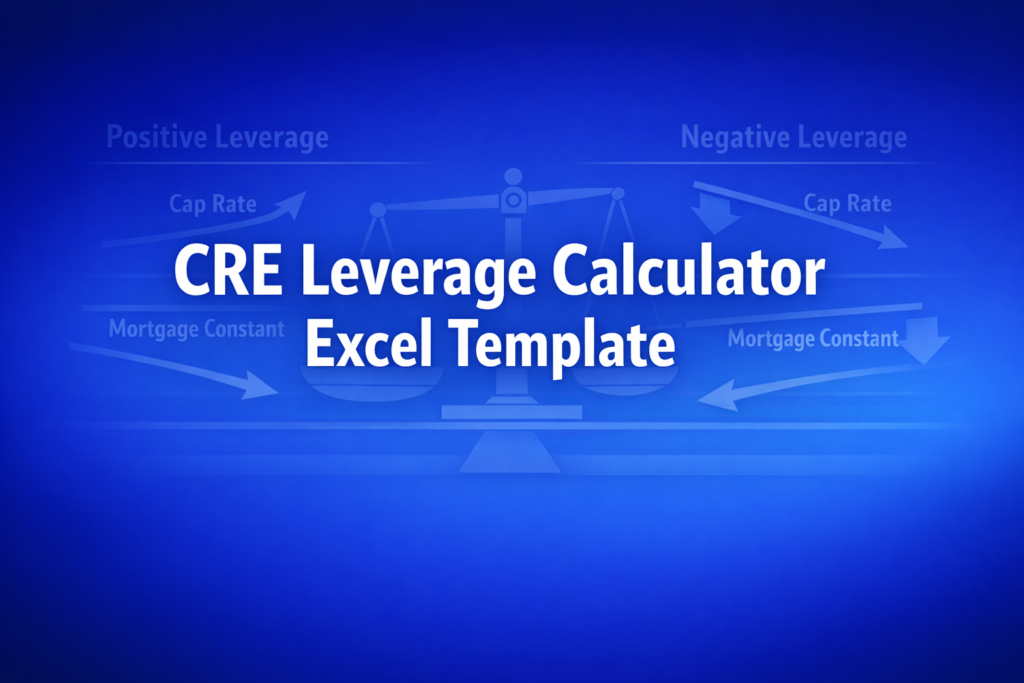
The leverage test compares cap rate (NOI / Property Value) to mortgage constant (Annual Debt Service / Loan Amount). When cap rate exceeds the mortgage constant, you have positive leverage — each dollar of debt earns more than it costs, amplifying equity returns. When cap rate falls below the mortgage constant, leverage is negative — debt reduces your income return below what you would earn with an all-equity investment.
Assumptions & Limitations
- Single-period (Year 1) income analysis — does not model appreciation or exit
- Fixed-rate, fully amortizing mortgage assumed
- No taxes, depreciation, CapEx, or closing costs included
- This tests income leverage only; total-return leverage (with appreciation) may differ
Frequently Asked Questions
Yes. Copy the Calculator sheet to create multiple scenarios with different loan amounts, interest rates, or amortization periods. Compare the resulting leverage types and equity dividend rates across scenarios. You can also build a sensitivity table using Excel's data tables feature to see how leverage changes across a range of cap rates and interest rates.
The Formula Reference sheet documents all calculations with standard real estate finance notation, making it easy to explain your methodology. The Calculator sheet provides clear inputs and outputs that you can include in investment memos or presentations. Print or export to PDF for professional deliverables.
The template assumes fully amortizing loans, but you can unprotect the sheet and modify the monthly payment formula. For interest-only loans, the mortgage constant equals the interest rate. For balloon loans, adjust the amortization period to match the loan term. The formulas are visible and editable so you can customize for any loan structure.
A fully interactive financial model with live Excel formulas, an Instructions sheet with usage guide, and a Formula Reference sheet with variable definitions and model assumptions. All formulas are visible and editable.
Microsoft Excel 2016 or later. The template uses standard Excel formulas only — no macros, VBA, or add-ins required.
Yes. All cells are fully editable. You can modify any formula, add your own calculations, change formatting, or integrate the model into your existing spreadsheets.
The online calculator runs in your browser for quick calculations. This Excel template gives you a portable, offline financial model you can customize, save, share with colleagues, and integrate into your own analysis.
This template is provided for educational and personal use. You may use it in your own professional analysis and presentations. Redistribution or resale of the template itself is not permitted.
You can re-download the latest version from your account or by requesting a new download link. Free downloads are limited to 5 per email address per month.

