
Financial Crisis Indicator Calculator Excel Template
Financial Crisis Indicator Calculator Excel Template
Interactive Excel Financial Model
Download, customize, and integrate into your own analysis
What's Included
- Interactive financial model with live Excel formulas
- All formulas visible and fully editable
- Professional formatting with color-coded inputs & outputs
- Formula reference sheet with variable definitions
- Step-by-step instructions sheet
- Compatible with Microsoft Excel 2016 and later
Download Template
Price range: $0.00 through $20.00
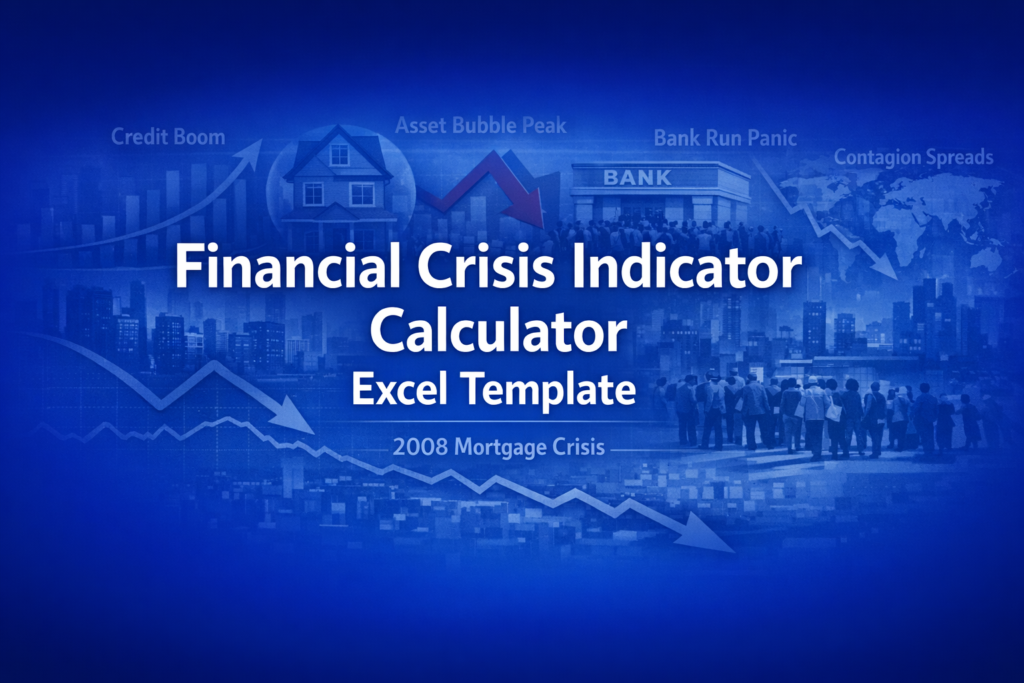
Download this editable Excel template to analyze financial crisis early warning indicators. Features 7 normalized vulnerability metrics, composite risk scores, and live formulas you can customize for your own analysis.
Online Calculator vs Excel Template
| Feature | Online | Excel |
|---|---|---|
| Instant use — no download | ✓ | — |
| Works offline | — | ✓ |
| Customize formulas & layout | — | ✓ |
| Save & share with colleagues | — | ✓ |
| Integrate into your own models | — | ✓ |
| Print-ready formatting | — | ✓ |
AnalystPrep
AnalystPrep FRM
Prepare for the FRM exam with comprehensive study materials.
- Complete FRM curriculum
- Practice questions & mocks
- Video lessons
Use code RYAN20 for 20% off

About This Template
Assess systemic financial risk with this comprehensive early warning indicator dashboard. The Financial Crisis Indicator Calculator Excel template aggregates 7 key vulnerability metrics used by central banks and financial stability researchers to monitor conditions that historically preceded banking crises in advanced economies.
What You Can Calculate
This template computes and normalizes multiple crisis warning indicators:
- Credit-to-GDP Gap - Deviation of private credit from its long-term trend, the most reliable crisis predictor per BIS research
- House Price Deviation - Asset price bubble indicator measuring housing market overvaluation
- Yield Curve Signal - Treasury spread analysis identifying normal, flat, or inverted conditions
- Composite Vulnerability Score - Equal-weighted aggregate of all 7 normalized indicators (0-100 scale)
- Risk Level Classification - Categorical assessment from Low to Crisis based on composite score
- Traffic Light Status - Green/Yellow/Red alerts for each individual indicator
Required Inputs
Enter 9 macroeconomic and financial market data points:
- Credit/GDP ratio and its long-term trend (from BIS or central bank data)
- House price index and trend (from national statistics offices)
- Stock market CAPE ratio (Shiller P/E from market data)
- Yield curve spread in basis points (10Y-2Y Treasury)
- Banking system leverage ratio (assets/equity)
- Current account balance as % of GDP
- VIX volatility index level
Methodology
Each indicator is normalized to a 0-100 vulnerability scale using linear transformation with empirically-grounded bounds. The composite score is the equal-weighted average of all 7 normalized indicators. This approach follows BIS early warning methodology and academic research on financial crisis prediction, including Mishkin's framework for analyzing financial crises in advanced economies.
Assumptions & Limitations
- Equal weighting of indicators (real models use optimized weights)
- Linear normalization with static thresholds
- No interaction effects between indicators
- Historical comparisons are illustrative approximations
- For educational and research purposes only
Frequently Asked Questions
Yes. The Calculator sheet is unprotected by default. You can add new input cells and create additional normalized scores using the same MAX(0,MIN(100,...)) formula pattern. Update the composite formula to include your new indicators and adjust the divisor accordingly.
Create a new tab and copy the input values from the Calculator sheet periodically. You can then chart the composite score and individual normalized scores over time to visualize trend changes in systemic risk.
Yes. The normalization bounds (e.g., 0-30pp for credit gap, 8x-25x for leverage) are embedded in the formulas. Edit the formula cells to adjust these ranges for emerging markets or specific country contexts where typical values differ.
A fully interactive financial model with live Excel formulas, an Instructions sheet with usage guide, and a Formula Reference sheet with variable definitions and model assumptions. All formulas are visible and editable.
Microsoft Excel 2016 or later. The template uses standard Excel formulas only — no macros, VBA, or add-ins required.
Yes. All cells are fully editable. You can modify any formula, add your own calculations, change formatting, or integrate the model into your existing spreadsheets.
The online calculator runs in your browser for quick calculations. This Excel template gives you a portable, offline financial model you can customize, save, share with colleagues, and integrate into your own analysis.
This template is provided for educational and personal use. You may use it in your own professional analysis and presentations. Redistribution or resale of the template itself is not permitted.
You can re-download the latest version from your account or by requesting a new download link. Free downloads are limited to 5 per email address per month.

