
Tax Incidence & Deadweight Loss Calculator Excel Template
Tax Incidence & Deadweight Loss Calculator Excel Template
Interactive Excel Financial Model
Download, customize, and integrate into your own analysis
What's Included
- Interactive financial model with live Excel formulas
- All formulas visible and fully editable
- Professional formatting with color-coded inputs & outputs
- Formula reference sheet with variable definitions
- Step-by-step instructions sheet
- Compatible with Microsoft Excel 2016 and later
Download Template
Price range: $0.00 through $20.00
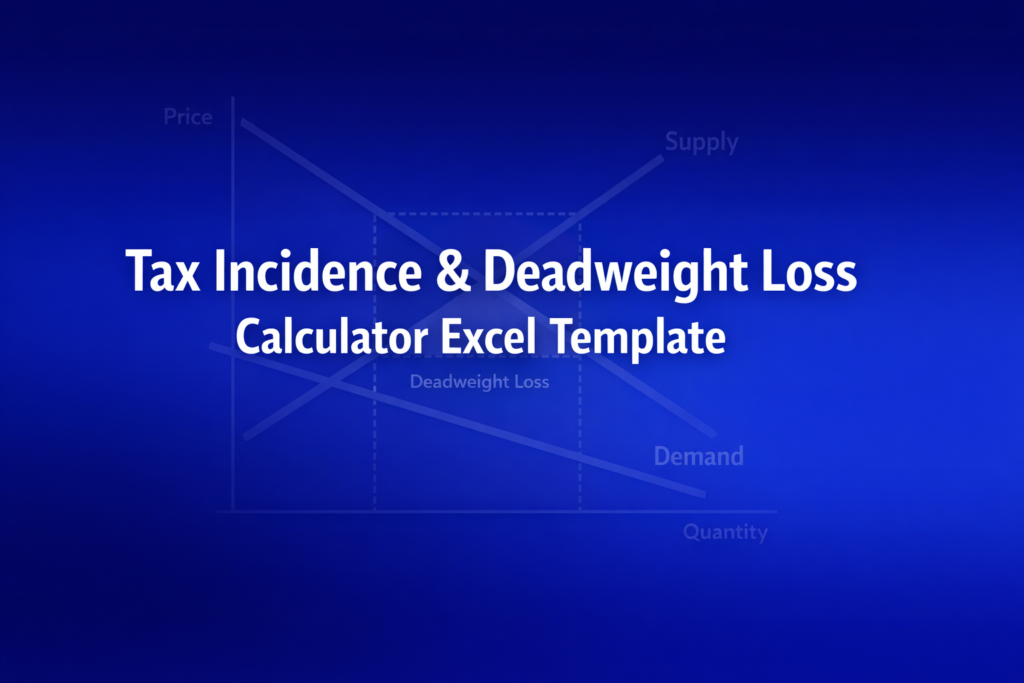
Professional Excel template for calculating tax incidence, deadweight loss, and welfare effects from per-unit taxes on linear supply and demand curves.
Online Calculator vs Excel Template
| Feature | Online | Excel |
|---|---|---|
| Instant use — no download | ✓ | — |
| Works offline | — | ✓ |
| Customize formulas & layout | — | ✓ |
| Save & share with colleagues | — | ✓ |
| Integrate into your own models | — | ✓ |
| Print-ready formatting | — | ✓ |
Wharton Online
Financial Planning & Analysis Certificate
Develop FP&A skills for corporate finance leadership with Wharton Online.
- Wharton Online curriculum
- Budgeting & forecasting
- Strategic financial planning
Use the discount code shown above for up to $500 off
 via
via

About This Template
Analyze tax burden distribution and efficiency costs with this professional Tax Incidence & Deadweight Loss Calculator Excel template. Perfect for economics students, policy analysts, and instructors who need to model how per-unit taxes affect market equilibrium, consumer and producer welfare, and economic efficiency.
What You Can Calculate
This template computes 16 key outputs from your supply and demand curve parameters:
- Pre-Tax Equilibrium - Market-clearing price (P*) and quantity (Q*)
- Tax Incidence - Buyer and seller shares of the tax burden, expressed as percentages and dollar amounts per unit
- Post-Tax Market - New buyer price, seller price, quantity traded, and the tax wedge
- Welfare Effects - Tax revenue collected, deadweight loss (DWL), and changes in consumer and producer surplus
- Welfare Identity Check - Automatic verification that |ΔCS| + |ΔPS| = Revenue + DWL
Required Inputs
Enter five parameters that define your market:
- Demand Intercept (a) - Maximum quantity demanded when price is zero
- Demand Slope (b) - How much quantity demanded falls per $1 price increase
- Supply Parameter (c) - Supply curve intercept from Qs = -c + dP
- Supply Slope (d) - How much quantity supplied rises per $1 price increase
- Per-Unit Tax (T) - Dollar amount of tax per unit sold
Methodology
The template uses standard microeconomic tax incidence theory for linear supply and demand curves. Tax burden is split based on curve slopes: Buyer Share = d/(b+d), Seller Share = b/(b+d). The side with the steeper curve (less responsive to price) bears more of the tax. Deadweight loss is calculated as DWL = ½ × T × (Q* - Q_tax), representing the efficiency cost from trades that no longer occur.
Assumptions & Limitations
- Linear demand (Qd = a - bP) and supply (Qs = -c + dP) curves
- Per-unit (specific) tax, not ad valorem (percentage) tax
- Perfectly competitive market with many buyers and sellers
- Economic burden is independent of statutory (legal) incidence
Frequently Asked Questions
Yes. Duplicate the Calculator sheet (right-click tab > Move or Copy > check 'Create a copy') to create side-by-side scenarios with different tax rates. Each copy maintains independent formulas and updates automatically.
It verifies that |Change in CS| + |Change in PS| = Tax Revenue + DWL. If it shows 'Verified', the welfare accounting is correct. If it shows 'Error', check for rounding issues or invalid inputs.
Students can modify the input values in the blue cells and see instant results. For graded assignments, instructors can protect specific cells or distribute pre-filled versions with different parameters. The Formula Reference sheet explains each calculation step.
A fully interactive financial model with live Excel formulas, an Instructions sheet with usage guide, and a Formula Reference sheet with variable definitions and model assumptions. All formulas are visible and editable.
Microsoft Excel 2016 or later. The template uses standard Excel formulas only — no macros, VBA, or add-ins required.
Yes. All cells are fully editable. You can modify any formula, add your own calculations, change formatting, or integrate the model into your existing spreadsheets.
The online calculator runs in your browser for quick calculations. This Excel template gives you a portable, offline financial model you can customize, save, share with colleagues, and integrate into your own analysis.
This template is provided for educational and personal use. You may use it in your own professional analysis and presentations. Redistribution or resale of the template itself is not permitted.
You can re-download the latest version from your account or by requesting a new download link. Free downloads are limited to 5 per email address per month.


