
Tariff Welfare Calculator Excel Template
Tariff Welfare Calculator Excel Template
Interactive Excel Financial Model
Download, customize, and integrate into your own analysis
What's Included
- Interactive financial model with live Excel formulas
- All formulas visible and fully editable
- Professional formatting with color-coded inputs & outputs
- Formula reference sheet with variable definitions
- Step-by-step instructions sheet
- Compatible with Microsoft Excel 2016 and later
Download Template
Price range: $0.00 through $20.00
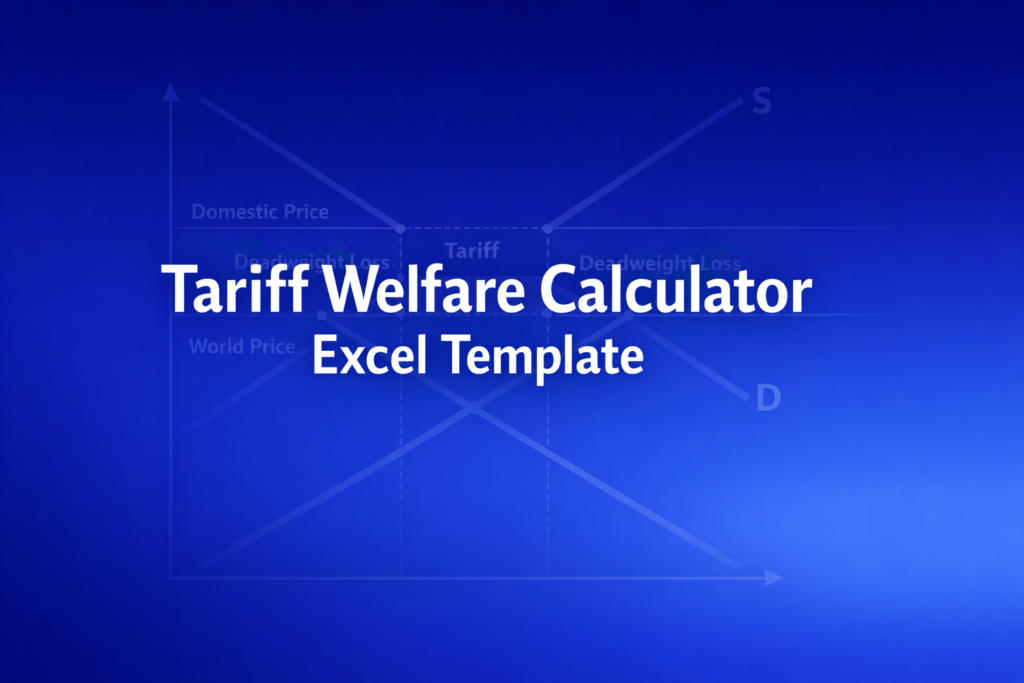
Calculate tariff welfare effects including deadweight loss, government revenue, and surplus changes in this editable Excel template.
Online Calculator vs Excel Template
| Feature | Online | Excel |
|---|---|---|
| Instant use — no download | ✓ | — |
| Works offline | — | ✓ |
| Customize formulas & layout | — | ✓ |
| Save & share with colleagues | — | ✓ |
| Integrate into your own models | — | ✓ |
| Print-ready formatting | — | ✓ |
About This Template
-
Frequently Asked Questions
When the tariff is large enough to eliminate all imports, the domestic price caps at the autarky level (where domestic supply equals demand). The template automatically detects this and adjusts all welfare calculations accordingly, showing zero government revenue and the full deadweight loss.
This template models per-unit (specific) tariffs only. For ad valorem tariffs, you would need to calculate the equivalent per-unit amount first (tariff rate times world price) and enter that value.
The model assumes the country cannot affect world prices, ignores retaliation and exchange-rate effects, and uses linear curves. It is most reliable for small tariff changes. Large tariff scenarios should be treated as approximations.
A fully interactive financial model with live Excel formulas, an Instructions sheet with usage guide, and a Formula Reference sheet with variable definitions and model assumptions. All formulas are visible and editable.
Microsoft Excel 2016 or later. The template uses standard Excel formulas only — no macros, VBA, or add-ins required.
Yes. All cells are fully editable. You can modify any formula, add your own calculations, change formatting, or integrate the model into your existing spreadsheets.
The online calculator runs in your browser for quick calculations. This Excel template gives you a portable, offline financial model you can customize, save, share with colleagues, and integrate into your own analysis.
This template is provided for educational and personal use. You may use it in your own professional analysis and presentations. Redistribution or resale of the template itself is not permitted.
You can re-download the latest version from your account or by requesting a new download link. Free downloads are limited to 5 per email address per month.


