Bond Pricing Calculator Excel Template
Bond Pricing Calculator Excel Template
Interactive Excel Financial Model
Download, customize, and integrate into your own analysis
What's Included
- Interactive financial model with live Excel formulas
- All formulas visible and fully editable
- Professional formatting with color-coded inputs & outputs
- Formula reference sheet with variable definitions
- Step-by-step instructions sheet
- Compatible with Microsoft Excel 2016 and later
Download Template
Price range: $0.00 through $20.00
Professional bond pricing spreadsheet with live Excel formulas. Calculate clean price, dirty price, accrued interest, and premium/discount. Free download.
Online Calculator vs Excel Template
| Feature | Online | Excel |
|---|---|---|
| Instant use — no download | ✓ | — |
| Works offline | — | ✓ |
| Customize formulas & layout | — | ✓ |
| Save & share with colleagues | — | ✓ |
| Integrate into your own models | — | ✓ |
| Print-ready formatting | — | ✓ |
About This Template
The Bond Pricing Calculator Excel Template provides a ready-to-use financial model for valuing fixed-income securities. Whether you're a fixed income analyst pricing corporate bonds, a portfolio manager evaluating yield opportunities, or a finance student learning present value mechanics, this spreadsheet delivers professional-grade calculations with full formula transparency.
What You Can Calculate
This template computes 8 key outputs:
- Clean Price — Bond price excluding accrued interest (the quoted market price)
- Accrued Interest — Interest earned since last coupon, paid by buyer to seller at settlement
- Dirty Price — Actual cash paid at settlement (Clean Price + Accrued Interest)
- Premium/Discount ($) — Amount above or below face value
- Premium/Discount (%) — Premium or discount as percentage of par
- Bond Status — Trading at Premium, Discount, or Par
- Per-Period Coupon — Coupon payment received each period
- Total Undiscounted Cash Flows — Sum of all future payments without discounting
Required Inputs
To use this calculator, you'll need:
- Face Value — Par value of the bond (typically $1,000)
- Annual Coupon Rate — Coupon as a percentage of face value (0% for zero-coupon)
- Yield to Maturity — Current market yield for discounting cash flows
- Years to Maturity — Time remaining until face value is repaid
- Coupon Frequency — Semi-annual (2) or Annual (1)
- Days Since Last Coupon — For settlement calculations (0 on coupon dates)
- Days in Coupon Period — Typically 182 for semi-annual, 365 for annual
Methodology
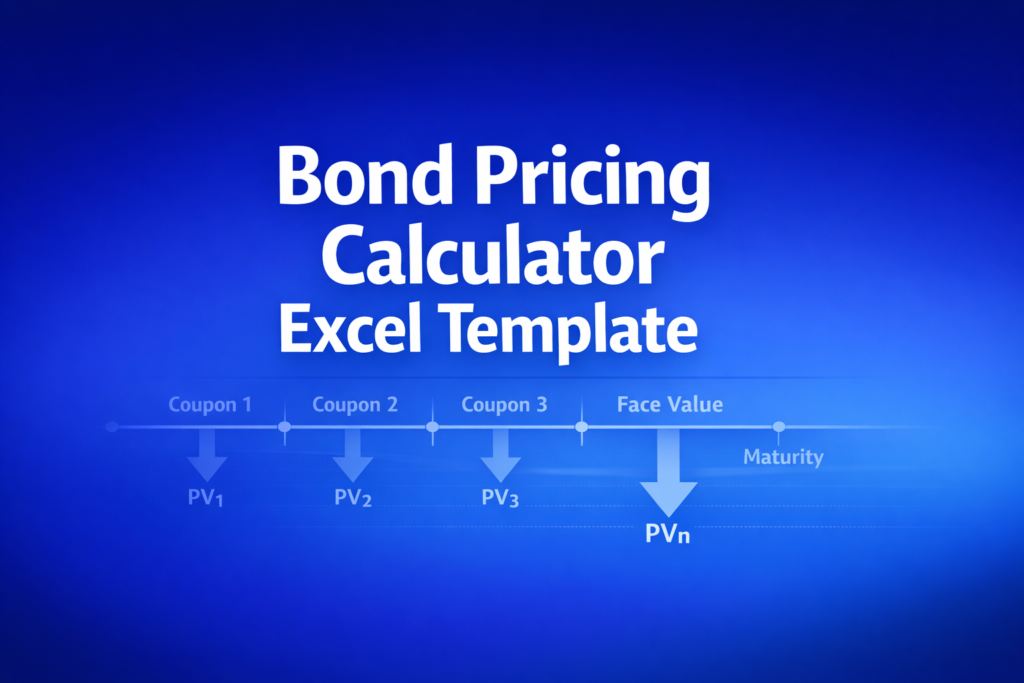
The calculations use the standard present value formula: P = (C/m) x [(1 - (1+y/m)^-n) / (y/m)] + F / (1+y/m)^n, where C is annual coupon, m is payment frequency, y is YTM, n is total periods, and F is face value. Accrued interest uses linear day-count approximation. Warning messages appear when YTM exceeds coupon rate (discount) or falls below it (premium).
Assumptions
- Bond pays fixed coupons at regular intervals until maturity
- Yield to maturity is constant and known
- Uses periodic compounding matching coupon frequency
- No embedded options (callable, puttable bonds not modeled)
- Accrued interest uses simplified linear day-count
- For educational purposes only — not financial advice
Frequently Asked Questions
Enter the number of days since the last coupon payment and the total days in the coupon period. The template calculates accrued interest automatically and adds it to the clean price to get the dirty (invoice) price you would pay at settlement.
Yes. Set the coupon rate to 0% and the template calculates the pure discount price based on the yield to maturity and time remaining. The accrued interest fields can be ignored for zero-coupon bonds.
A fully interactive financial model with live Excel formulas, an Instructions sheet with usage guide, and a Formula Reference sheet with variable definitions and model assumptions. All formulas are visible and editable.
Microsoft Excel 2016 or later. The template uses standard Excel formulas only — no macros, VBA, or add-ins required.
Yes. All cells are fully editable. You can modify any formula, add your own calculations, change formatting, or integrate the model into your existing spreadsheets.
The online calculator runs in your browser for quick calculations. This Excel template gives you a portable, offline financial model you can customize, save, share with colleagues, and integrate into your own analysis.
This template is provided for educational and personal use. You may use it in your own professional analysis and presentations. Redistribution or resale of the template itself is not permitted.
You can re-download the latest version at any time from your account or by requesting a new download link.


