
CRE Proforma Calculator Excel Template
CRE Proforma Calculator Excel Template
Interactive Excel Financial Model
Download, customize, and integrate into your own analysis
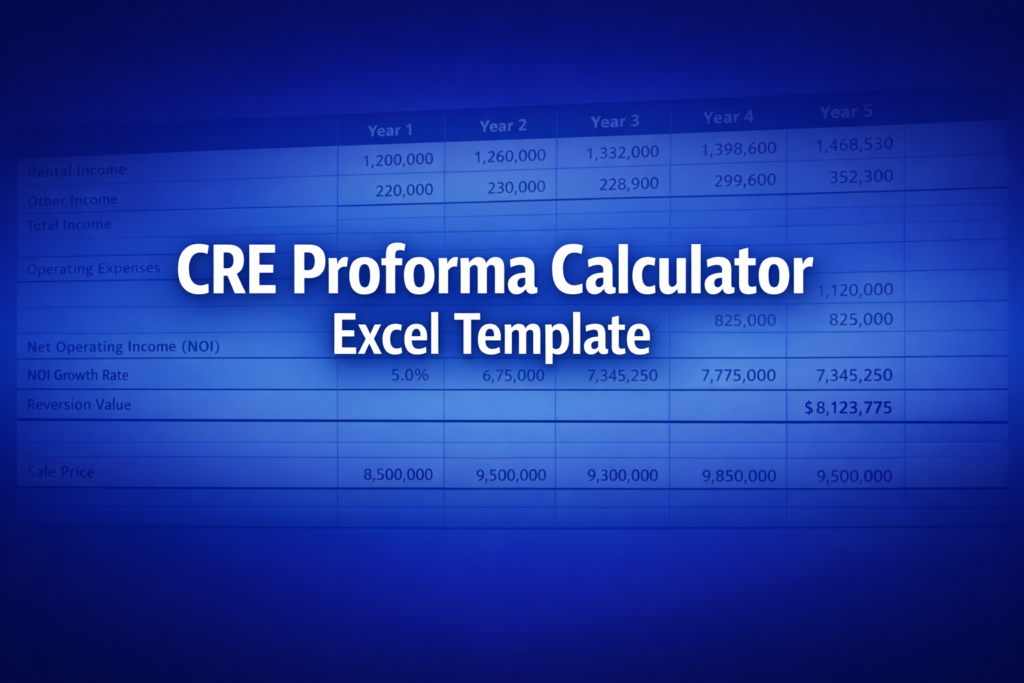
What's Included
- Interactive financial model with live Excel formulas
- All formulas visible and fully editable
- Professional formatting with color-coded inputs & outputs
- Formula reference sheet with variable definitions
- Step-by-step instructions sheet
- Compatible with Microsoft Excel 2016 and later
Download Template
Price range: $0.00 through $20.00
Professional CRE pro forma Excel template with DCF valuation, NPV, IRR, and year-by-year cash flow projections. Fully editable formulas.
Online Calculator vs Excel Template
| Feature | Online | Excel |
|---|---|---|
| Instant use — no download | ✓ | — |
| Works offline | — | ✓ |
| Customize formulas & layout | — | ✓ |
| Save & share with colleagues | — | ✓ |
| Integrate into your own models | — | ✓ |
| Print-ready formatting | — | ✓ |
Wharton Online
Real Estate Investing Certificate
Learn real estate investment analysis from Wharton Online.
- Wharton Online curriculum
- Property valuation & analysis
- Commercial real estate focus
Use the discount code shown above for up to $500 off
 via
via

About This Template
Build professional CRE pro forma models in Excel with this ready-to-use template. Analyze commercial real estate investments using discounted cash flow (DCF) methodology — project year-by-year NOI and CapEx, calculate property value, NPV, and IRR with live formulas you can customize.
What You Can Calculate
This template delivers the complete property-level analysis toolkit:
- Going-In Cap Rate — Your initial yield at acquisition (Year 1 NOI / Purchase Price)
- DCF Property Value — Present value of operating cash flows plus reversion
- NPV & IRR — Net present value and internal rate of return for investment decision-making
- Terminal NOI & Reversion — Year n+1 NOI and net sale proceeds using exit cap rate
- Year-by-Year Pro Forma — 1-30 year projections of NOI, CapEx, PBTCF, and present values
Required Inputs
Enter 9 key assumptions to generate your analysis:
- Purchase Price — Total acquisition cost
- Year 1 NOI & Growth Rate — Starting net operating income and annual growth
- Year 1 CapEx & Growth Rate — Recurring capital reserves and growth
- Holding Period — 1-30 years via dropdown
- Exit Cap Rate & Selling Costs — Assumptions for disposition
- Discount Rate — Your required unlevered return
Methodology
The template follows Geltner's DCF framework: PBTCF (NOI minus CapEx) is projected for each year, discounted at your required return. Terminal NOI uses Year n+1 (next owner's first year) divided by exit cap rate, net of selling costs. IRR solves for the rate that equates purchase price to discounted cash flows plus reversion.
Assumptions & Limitations
- Constant annual growth rates for NOI and CapEx (no mid-period changes)
- Year-end cash flow convention
- Unlevered analysis only — no debt service or financing
- No vacancy or tenant-level modeling
Frequently Asked Questions
Select 1-30 years from the Holding Period dropdown. The year-by-year pro forma automatically expands or contracts, and all outputs (Terminal NOI, Reversion, IRR) update accordingly. Rows beyond the default 10-year view are grouped u2014 use Excel's row grouping controls to expand them.
This template uses constant annual growth rates for simplicity. For variable growth scenarios (e.g., renovations causing NOI jumps), you can unprotect the sheet and manually override individual year formulas while keeping the rest of the model intact.
Copy the Calculator sheet to create additional scenarios (right-click tab > Move or Copy). Each copy is independent u2014 change inputs on one without affecting others. Compare NPV and IRR across sheets to evaluate which deal offers the best risk-adjusted return.
A fully interactive financial model with live Excel formulas, an Instructions sheet with usage guide, and a Formula Reference sheet with variable definitions and model assumptions. All formulas are visible and editable.
Microsoft Excel 2016 or later. The template uses standard Excel formulas only — no macros, VBA, or add-ins required.
Yes. All cells are fully editable. You can modify any formula, add your own calculations, change formatting, or integrate the model into your existing spreadsheets.
The online calculator runs in your browser for quick calculations. This Excel template gives you a portable, offline financial model you can customize, save, share with colleagues, and integrate into your own analysis.
This template is provided for educational and personal use. You may use it in your own professional analysis and presentations. Redistribution or resale of the template itself is not permitted.
You can re-download the latest version from your account or by requesting a new download link. Free downloads are limited to 5 per email address per month.

