
Debt Average Life Calculator Excel Template
Debt Average Life Calculator Excel Template
Interactive Excel Financial Model
Download, customize, and integrate into your own analysis
What's Included
- Interactive financial model with live Excel formulas
- All formulas visible and fully editable
- Professional formatting with color-coded inputs & outputs
- Formula reference sheet with variable definitions
- Step-by-step instructions sheet
- Compatible with Microsoft Excel 2016 and later
Download Template
Price range: $0.00 through $20.00
Calculate weighted average life (WAL) for project finance debt. Enter construction draws and repayments to get instant results.
Online Calculator vs Excel Template
| Feature | Online | Excel |
|---|---|---|
| Instant use — no download | ✓ | — |
| Works offline | — | ✓ |
| Customize formulas & layout | — | ✓ |
| Save & share with colleagues | — | ✓ |
| Integrate into your own models | — | ✓ |
| Print-ready formatting | — | ✓ |
About This Template
Calculate weighted average life (WAL) for project finance debt with this professional Excel template. Whether you're structuring a construction loan, analyzing refinancing options, or preparing lender presentations, this template gives you instant WAL calculations with full formula transparency.
What You Can Calculate
Enter your construction draws and principal repayments to instantly calculate:
- Weighted Average Life - The average time each dollar of principal is outstanding, using the industry-standard weighted outstanding method
- Peak Debt Outstanding - Maximum loan balance during the project lifecycle (typically at end of construction)
- Ending Balance - Remaining principal at maturity, highlighting any balloon payment
- Sum of Outstanding - Total period-end balances used in the WAL numerator
Required Inputs
Simply enter your loan schedule in the light blue cells:
- Construction Draws - Up to 5 periods of loan drawdowns during construction (in $ millions)
- Principal Repayments - Up to 15 periods of scheduled principal payments after construction
Leave unused periods as 0. The template automatically calculates the running outstanding balance in column D.
Methodology
This template uses the weighted outstanding method per Yescombe's "Principles of Project Finance" (Chapter 12):
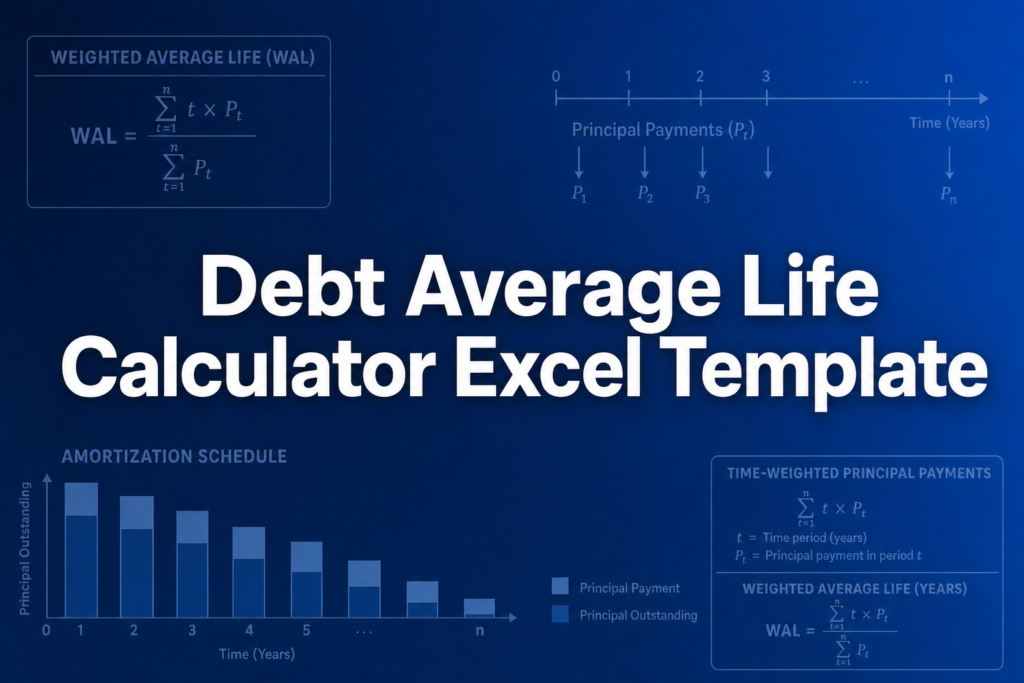
WAL = Sum(Outstanding Balances) / Peak Outstanding
Each period where the loan balance is positive contributes to the WAL calculation. This method is standard in project finance and gives lenders a clear measure of their credit exposure duration.
Assumptions & Limitations
- Annual periods (scale inputs for semi-annual or quarterly schedules)
- Draws and repayments occur at end of each period
- Enter 0 for unused periods; only rows with values > 0 are included
- No revolving credit or re-borrowing during repayment phase
Frequently Asked Questions
Loan term is total time from first draw to final payment. WAL measures average time each dollar of principal is outstanding. A bullet loan has WAL near its term; an amortizing loan has WAL roughly half its term.
WAL measures credit exposure duration. Shorter WAL means faster principal recovery and lower risk. Lenders often set maximum WAL policies (7-10 years) and price loans partly based on WAL.
A fully interactive financial model with live Excel formulas, an Instructions sheet with usage guide, and a Formula Reference sheet with variable definitions and model assumptions. All formulas are visible and editable.
Microsoft Excel 2016 or later. The template uses standard Excel formulas only — no macros, VBA, or add-ins required.
Yes. All cells are fully editable. You can modify any formula, add your own calculations, change formatting, or integrate the model into your existing spreadsheets.
The online calculator runs in your browser for quick calculations. This Excel template gives you a portable, offline financial model you can customize, save, share with colleagues, and integrate into your own analysis.
This template is provided for educational and personal use. You may use it in your own professional analysis and presentations. Redistribution or resale of the template itself is not permitted.
You can re-download the latest version from your account or by requesting a new download link. Free downloads are limited to 5 per email address per month.

