
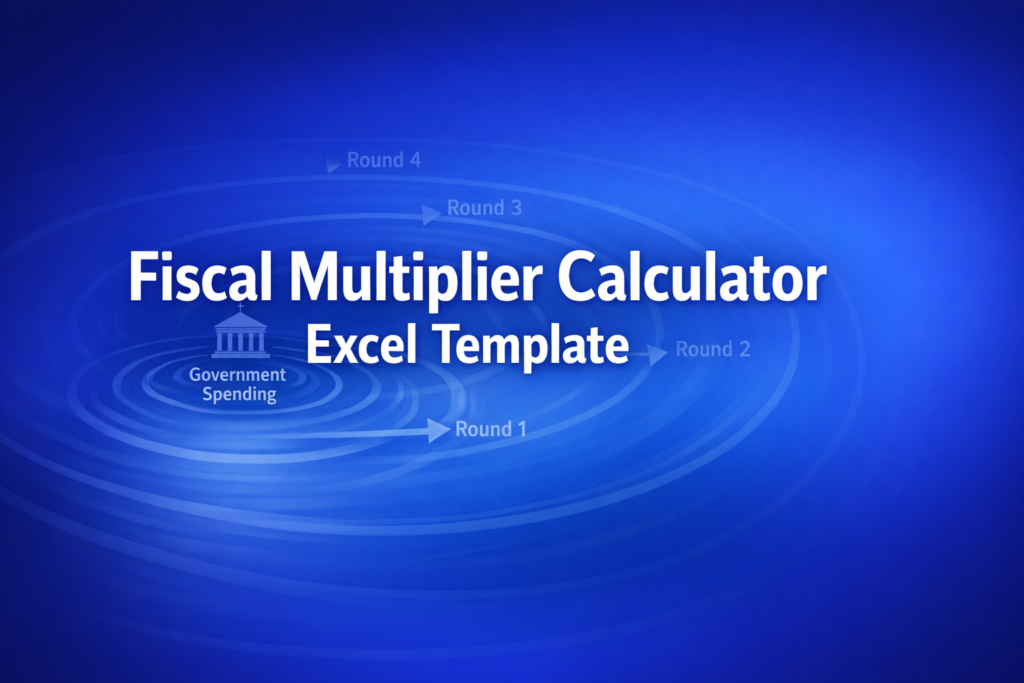
Fiscal Multiplier Calculator Excel Template
Fiscal Multiplier Calculator Excel Template
Interactive Excel Financial Model
Download, customize, and integrate into your own analysis
What's Included
- Interactive financial model with live Excel formulas
- All formulas visible and fully editable
- Professional formatting with color-coded inputs & outputs
- Formula reference sheet with variable definitions
- Step-by-step instructions sheet
- Compatible with Microsoft Excel 2016 and later
Download Template
Price range: $0.00 through $20.00
Calculate spending, tax, and balanced-budget multipliers with crowding-out adjustment. Professional Keynesian fiscal policy analysis.
Online Calculator vs Excel Template
| Feature | Online | Excel |
|---|---|---|
| Instant use — no download | ✓ | — |
| Works offline | — | ✓ |
| Customize formulas & layout | — | ✓ |
| Save & share with colleagues | — | ✓ |
| Integrate into your own models | — | ✓ |
| Print-ready formatting | — | ✓ |
Wharton Online
Financial Planning & Analysis Certificate
Develop FP&A skills for corporate finance leadership with Wharton Online.
- Wharton Online curriculum
- Budgeting & forecasting
- Strategic financial planning
Use the discount code shown above for up to $500 off
 via
via

About This Template
Analyze fiscal policy impact with this professional Fiscal Multiplier Calculator Excel template. Whether you're modeling government spending increases, tax cuts, or balanced-budget scenarios, this template calculates all three Keynesian multipliers simultaneously so you can compare policy outcomes side-by-side.
What You Can Calculate
This template provides 11 key outputs from just 3 inputs:
- Marginal Propensity to Save (MPS) — The saving rate derived from your MPC input
- Spending Multiplier — How much GDP changes per dollar of government spending (1/MPS)
- Tax Multiplier — GDP impact per dollar of tax change (-MPC/MPS)
- Balanced-Budget Multiplier — Always equals 1 for simultaneous equal changes in G and T
- GDP Impact (ΔY) — Total change in GDP for spending, tax, and balanced-budget scenarios
- Crowding-Out Adjusted Values — See how deficit financing reduces the multiplier effect
Required Inputs
- Marginal Propensity to Consume (MPC) — Enter as decimal between 0 and 0.99 (e.g., 0.75 means 75% of income is spent)
- Policy Change — Government spending or tax change in billions of dollars (positive or negative)
- Crowding-Out Adjustment — Optional percentage reduction for deficit-financed policy (0-100%)
Methodology
Based on the simple Keynesian cross model from Mankiw Chapter 21. The spending multiplier equals 1/(1-MPC), the tax multiplier equals -MPC/(1-MPC), and the balanced-budget multiplier algebraically equals 1 regardless of MPC. Crowding-out is modeled as a simple percentage reduction to the base multiplier.
Assumptions & Limitations
- Fixed price level (no inflation response)
- Closed economy (no import leakage)
- Constant MPC across income levels
- Lump-sum taxes (not marginal rate changes)
- No Ricardian equivalence or supply-side effects
Frequently Asked Questions
The online calculator uses dropdown mode switching, but Excel's strength is side-by-side comparison. This template calculates spending, tax, and balanced-budget multipliers in parallel so you can instantly compare policy scenarios without switching modes.
No u2014 the Excel version focuses on the core multiplier calculations. The round-by-round cascade table requires dynamic row generation that would add significant complexity. For spending-round visualization, use the online calculator alongside this template.
Enter a negative value in the Policy Change cell. For example, -50 represents a $50B tax cut. The Tax Multiplier is already negative, so a negative u0394T produces a positive u0394Y (GDP increase).
A fully interactive financial model with live Excel formulas, an Instructions sheet with usage guide, and a Formula Reference sheet with variable definitions and model assumptions. All formulas are visible and editable.
Microsoft Excel 2016 or later. The template uses standard Excel formulas only — no macros, VBA, or add-ins required.
Yes. All cells are fully editable. You can modify any formula, add your own calculations, change formatting, or integrate the model into your existing spreadsheets.
The online calculator runs in your browser for quick calculations. This Excel template gives you a portable, offline financial model you can customize, save, share with colleagues, and integrate into your own analysis.
This template is provided for educational and personal use. You may use it in your own professional analysis and presentations. Redistribution or resale of the template itself is not permitted.
You can re-download the latest version from your account or by requesting a new download link. Free downloads are limited to 5 per email address per month.

