
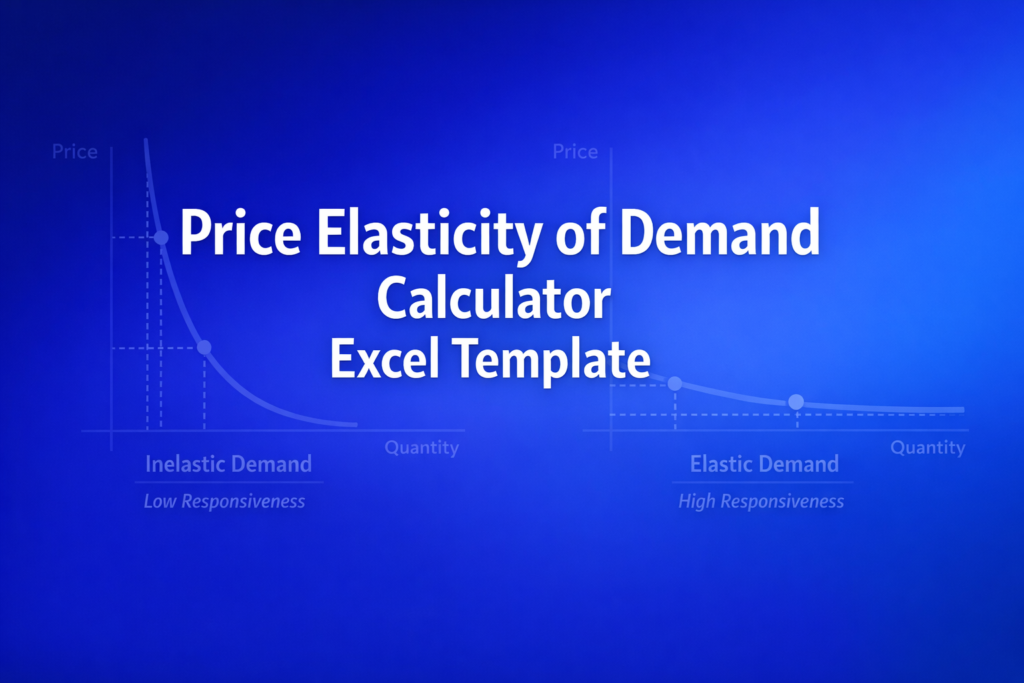
Price Elasticity of Demand Calculator Excel Template
Price Elasticity of Demand Calculator Excel Template
Interactive Excel Financial Model
Download, customize, and integrate into your own analysis
What's Included
- Interactive financial model with live Excel formulas
- All formulas visible and fully editable
- Professional formatting with color-coded inputs & outputs
- Formula reference sheet with variable definitions
- Step-by-step instructions sheet
- Compatible with Microsoft Excel 2016 and later
Download Template
Price range: $0.00 through $20.00
Calculate price elasticity of demand with live Excel formulas. Includes midpoint method, classification, and total revenue impact analysis.
Online Calculator vs Excel Template
| Feature | Online | Excel |
|---|---|---|
| Instant use — no download | ✓ | — |
| Works offline | — | ✓ |
| Customize formulas & layout | — | ✓ |
| Save & share with colleagues | — | ✓ |
| Integrate into your own models | — | ✓ |
| Print-ready formatting | — | ✓ |
Wharton Online
Financial Planning & Analysis Certificate
Develop FP&A skills for corporate finance leadership with Wharton Online.
- Wharton Online curriculum
- Budgeting & forecasting
- Strategic financial planning
Use the discount code shown above for up to $500 off
 via
via

About This Template
Calculate price elasticity of demand using the proven midpoint method. This Price Elasticity of Demand Calculator Excel Template helps economists, business analysts, and students measure how sensitive quantity demanded is to price changes. Enter two price-quantity observations and instantly see elasticity, classification, and total revenue impact.
What You Can Calculate
This template computes 11 outputs from just 4 inputs:
- Price Elasticity of Demand (PED) - The core elasticity coefficient showing quantity responsiveness to price
- Absolute Elasticity |PED| - Used for elastic/inelastic classification
- Classification - Automatically categorizes as Elastic, Inelastic, Unit Elastic, or Perfectly Inelastic
- Percentage Changes - Both quantity and price changes using midpoint averages
- Total Revenue Analysis - Initial revenue, new revenue, change, and strategic impact assessment
Required Inputs
You need two price-quantity data points:
- Initial Price - Price before the change (e.g., current price)
- New Price - Price after the change (e.g., proposed price)
- Initial Quantity - Units demanded at the initial price
- New Quantity - Units demanded at the new price
Data can come from historical sales records, market research, surveys, or competitor analysis.
Methodology
The template uses the midpoint (arc elasticity) method, which calculates percentage changes using the average of the two values as the denominator. This approach gives identical results regardless of which direction you measure the change, making it more reliable than simple percentage change calculations.
Key formula: PED = (% Change in Quantity) / (% Change in Price), where each percentage change uses the midpoint average.
Assumptions & Limitations
- Prices must be positive and different from each other
- At least one quantity must be positive
- Assumes ceteris paribus (all other factors held constant)
- Total revenue analysis assumes a single-product scenario
- For educational purposes only - not business advice
Frequently Asked Questions
Yes. Copy the Calculator sheet to create multiple versions for different products or scenarios. Each copy is independent, so you can compare elasticities side-by-side. Right-click the sheet tab and select Move or Copy to duplicate it.
Yes. The live formulas make it easy to test different price-quantity scenarios instantly. Change any input value and watch all outputs recalculate. For systematic sensitivity analysis, create a data table using Excel What-If Analysis feature (Data tab > What-If Analysis > Data Table) to see how elasticity changes across a range of prices.
You need two price-quantity observations: a before and after data point. This could be historical sales data at two different price points, market research survey data, or competitor pricing analysis. The more accurate your quantity estimates, the more reliable your elasticity calculation.
A fully interactive financial model with live Excel formulas, an Instructions sheet with usage guide, and a Formula Reference sheet with variable definitions and model assumptions. All formulas are visible and editable.
Microsoft Excel 2016 or later. The template uses standard Excel formulas only — no macros, VBA, or add-ins required.
Yes. All cells are fully editable. You can modify any formula, add your own calculations, change formatting, or integrate the model into your existing spreadsheets.
The online calculator runs in your browser for quick calculations. This Excel template gives you a portable, offline financial model you can customize, save, share with colleagues, and integrate into your own analysis.
This template is provided for educational and personal use. You may use it in your own professional analysis and presentations. Redistribution or resale of the template itself is not permitted.
You can re-download the latest version from your account or by requesting a new download link. Free downloads are limited to 5 per email address per month.

