
Revenue Allocation Calculator Excel Template
Revenue Allocation Calculator Excel Template
Interactive Excel Financial Model
Download, customize, and integrate into your own analysis
What's Included
- Interactive financial model with live Excel formulas
- All formulas visible and fully editable
- Professional formatting with color-coded inputs & outputs
- Formula reference sheet with variable definitions
- Step-by-step instructions sheet
- Compatible with Microsoft Excel 2016 and later
Download Template
Price range: $0.00 through $20.00
ASC 606 Step 4 revenue allocation template. Allocate transaction price to performance obligations using relative SSP method. Live formulas.
Online Calculator vs Excel Template
| Feature | Online | Excel |
|---|---|---|
| Instant use — no download | ✓ | — |
| Works offline | — | ✓ |
| Customize formulas & layout | — | ✓ |
| Save & share with colleagues | — | ✓ |
| Integrate into your own models | — | ✓ |
| Print-ready formatting | — | ✓ |
Wharton Online
Financial Planning & Analysis Certificate
Develop FP&A skills for corporate finance leadership with Wharton Online.
- Wharton Online curriculum
- Budgeting & forecasting
- Strategic financial planning
Use the discount code shown above for up to $500 off
 via
via

About This Template
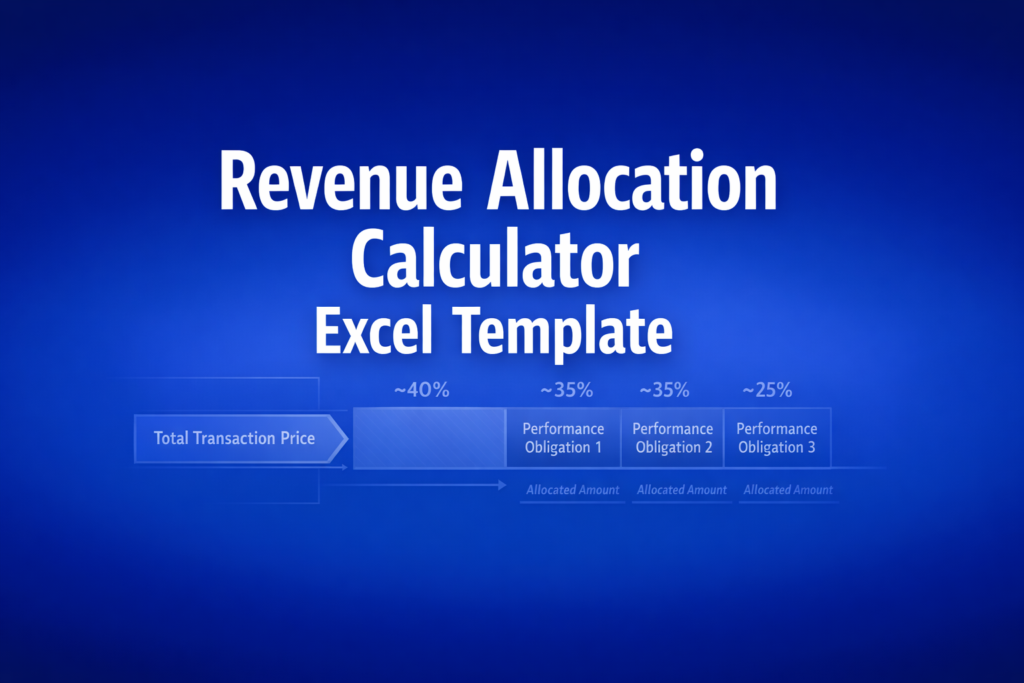
Streamline your ASC 606 Step 4 revenue allocation with this professional Excel template. Designed for accountants, financial analysts, and revenue recognition teams, this Revenue Allocation Calculator Excel template automatically allocates transaction price to performance obligations using the relative standalone selling price (SSP) method required by ASC 606-10-32-31.
What You Can Calculate
This template computes all the key metrics you need for multi-element revenue allocation:
- Total SSP — Sum of standalone selling prices across all performance obligations
- Discount or Premium — The difference between total SSP and transaction price, shown in both dollars and percentage
- Allocated Revenue — Proportional revenue allocation for up to 5 performance obligations
- Balance Check — Built-in verification that total allocated revenue equals the transaction price
Required Inputs
Simply enter your contract details to get instant allocation results:
- Transaction Price — Total contract consideration from ASC 606 Step 3
- Standalone Selling Prices — Observable SSP for each performance obligation (up to 5)
Methodology
The template implements the standard relative SSP allocation formula required by ASC 606:
Allocated Revenue = (SSPi / Total SSP) × Transaction Price
Any discount or premium is automatically distributed proportionally across all obligations. The final obligation receives any rounding remainder to ensure totals tie exactly.
Assumptions & Limitations
- Uses the default proportional allocation method (ASC 606-10-32-31)
- Exception-based discount allocation (606-10-32-36 through 32-38) is not modeled
- Standalone selling prices are assumed to be directly observable
- No variable consideration or significant financing component adjustments
Frequently Asked Questions
This template supports up to 5 performance obligations out of the box. For unused obligations, leave the SSP as 0. If you need more than 5, add new SSP input rows and update the Total SSP and Total Allocated formulas to include the additional cells.
Yes. All formulas are visible and editable. You can add obligation labels in column A, customize the number of rows, or integrate this allocation into a larger revenue recognition model by linking the output cells to other worksheets.
The template includes a built-in balance check that verifies total allocated revenue equals the transaction price within rounding tolerance. Obligation 5 receives any rounding remainder to ensure the totals always tie exactly.
A fully interactive financial model with live Excel formulas, an Instructions sheet with usage guide, and a Formula Reference sheet with variable definitions and model assumptions. All formulas are visible and editable.
Microsoft Excel 2016 or later. The template uses standard Excel formulas only — no macros, VBA, or add-ins required.
Yes. All cells are fully editable. You can modify any formula, add your own calculations, change formatting, or integrate the model into your existing spreadsheets.
The online calculator runs in your browser for quick calculations. This Excel template gives you a portable, offline financial model you can customize, save, share with colleagues, and integrate into your own analysis.
This template is provided for educational and personal use. You may use it in your own professional analysis and presentations. Redistribution or resale of the template itself is not permitted.
You can re-download the latest version from your account or by requesting a new download link. Free downloads are limited to 5 per email address per month.

