
Spark Spread Calculator Excel Template
Spark Spread Calculator Excel Template
Interactive Excel Financial Model
Download, customize, and integrate into your own analysis
What's Included
- Interactive financial model with live Excel formulas
- All formulas visible and fully editable
- Professional formatting with color-coded inputs & outputs
- Formula reference sheet with variable definitions
- Step-by-step instructions sheet
- Compatible with Microsoft Excel 2016 and later
Download Template
Price range: $0.00 through $20.00
Professional spark spread analysis template. Calculate gas plant margins, fuel costs, clean spark, and dispatch signals with live Excel formulas.
Online Calculator vs Excel Template
| Feature | Online | Excel |
|---|---|---|
| Instant use — no download | ✓ | — |
| Works offline | — | ✓ |
| Customize formulas & layout | — | ✓ |
| Save & share with colleagues | — | ✓ |
| Integrate into your own models | — | ✓ |
| Print-ready formatting | — | ✓ |
About This Template
Analyze power plant economics with this professional Spark Spread Calculator Excel template. Quickly determine whether gas-fired generation is profitable by calculating the margin between electricity revenue and natural gas fuel costs. Perfect for energy traders, power plant analysts, and anyone studying electricity market economics.
What You Can Calculate
This template computes the key metrics for dispatch decisions:
- Spark Spread — The gross margin before carbon costs, showing whether generation covers fuel expenses
- Fuel Cost per MWh — What it costs in natural gas to produce each megawatt-hour of electricity
- Clean Spark Spread — The margin after accounting for carbon emission costs (for markets with carbon pricing)
- Dispatch Signal — A clear indicator: Dispatch (profitable), Marginal (borderline), or Do Not Run (losing money)
Required Inputs
Enter four values to analyze your scenario:
- Power Price — Wholesale electricity price in $/MWh (check your regional ISO day-ahead prices)
- Natural Gas Price — Fuel cost in $/MMBtu (Henry Hub or regional hub)
- Heat Rate — Plant efficiency in Btu/kWh (CCGT: 6,500-7,500; Peakers: 9,000-11,000)
- Carbon Price — Optional emission cost in $/tCO2 for clean spark analysis
Methodology
The spark spread calculation follows industry-standard methodology:
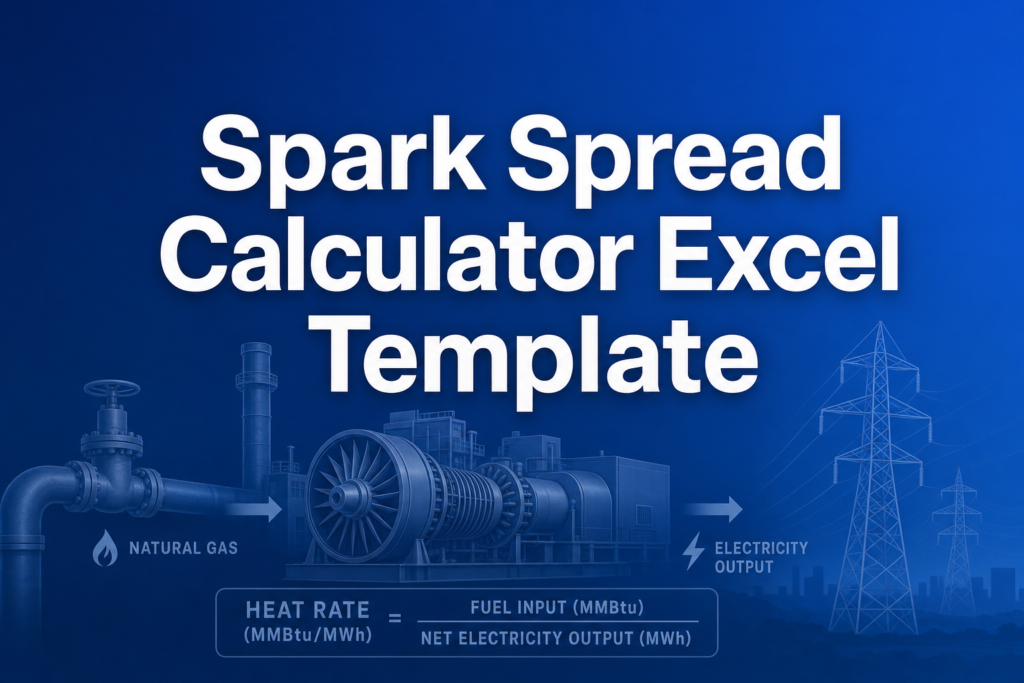
Spark Spread = Power Price - (Gas Price × Heat Rate / 1,000)
The division by 1,000 converts heat rate from Btu/kWh to MMBtu/MWh. For carbon-adjusted analysis, the clean spark deducts carbon costs using the standard 0.4 tCO2/MWh emission intensity for natural gas.
Assumptions & Limitations
- Dispatch signal thresholds: >$10/MWh = Dispatch, $0-10 = Marginal, <$0 = Do Not Run
- Carbon intensity fixed at 0.4 tonnes CO2 per MWh
- Excludes start-up costs, variable O&M, transmission, and capacity payments
- For educational analysis — actual dispatch decisions involve additional operational factors
Frequently Asked Questions
Yes. Save multiple copies of the template or create additional rows to compare plant economics side-by-side. A lower heat rate means higher efficiency - a CCGT at 7,000 Btu/kWh will have better margins than a peaker at 10,000 Btu/kWh at the same gas and power prices.
Enter different carbon prices in the input cell to see how emission costs affect profitability. For example, compare no carbon ($0), moderate carbon ($30/tCO2), and high carbon ($80/tCO2) to see the impact on your clean spark spread. The template uses 0.4 tCO2/MWh as the standard emission intensity for natural gas.
The Excel template always displays the carbon cost and clean spark spread fields for consistency. When carbon price is zero, carbon cost shows $0 and clean spark equals the basic spark spread. This differs from the online calculator, which hides these fields when no carbon price is entered.
A fully interactive financial model with live Excel formulas, an Instructions sheet with usage guide, and a Formula Reference sheet with variable definitions and model assumptions. All formulas are visible and editable.
Microsoft Excel 2016 or later. The template uses standard Excel formulas only — no macros, VBA, or add-ins required.
Yes. All cells are fully editable. You can modify any formula, add your own calculations, change formatting, or integrate the model into your existing spreadsheets.
The online calculator runs in your browser for quick calculations. This Excel template gives you a portable, offline financial model you can customize, save, share with colleagues, and integrate into your own analysis.
This template is provided for educational and personal use. You may use it in your own professional analysis and presentations. Redistribution or resale of the template itself is not permitted.
You can re-download the latest version from your account or by requesting a new download link. Free downloads are limited to 5 per email address per month.

